
Tools come and go. These five have stuck around long enough to earn a spot on this list.
1. VS Code
The vanilla answer, I know. But there's a reason everyone uses it - it just works. Highly configurable, great extension ecosystem and fast enough for day-to-day use. I also use Zed for Markdown editing and some lighter development and Xcode for macOS/iOS development, but VS Code is my primary driver for everything else.
2. Terminal (macOS)
Another vanilla pick, but I genuinely love it. I have tried some other popular alternatives like iTerm2, Warp or Ghostty, but the built-in macOS Terminal is surprisingly capable once you configure it properly. Like VS Code, the configuration possibilities are endless - and I prefer keeping my stack lean. Plus, there are a bunch of available themes so I get to match my VS Code theme in Terminal as well.
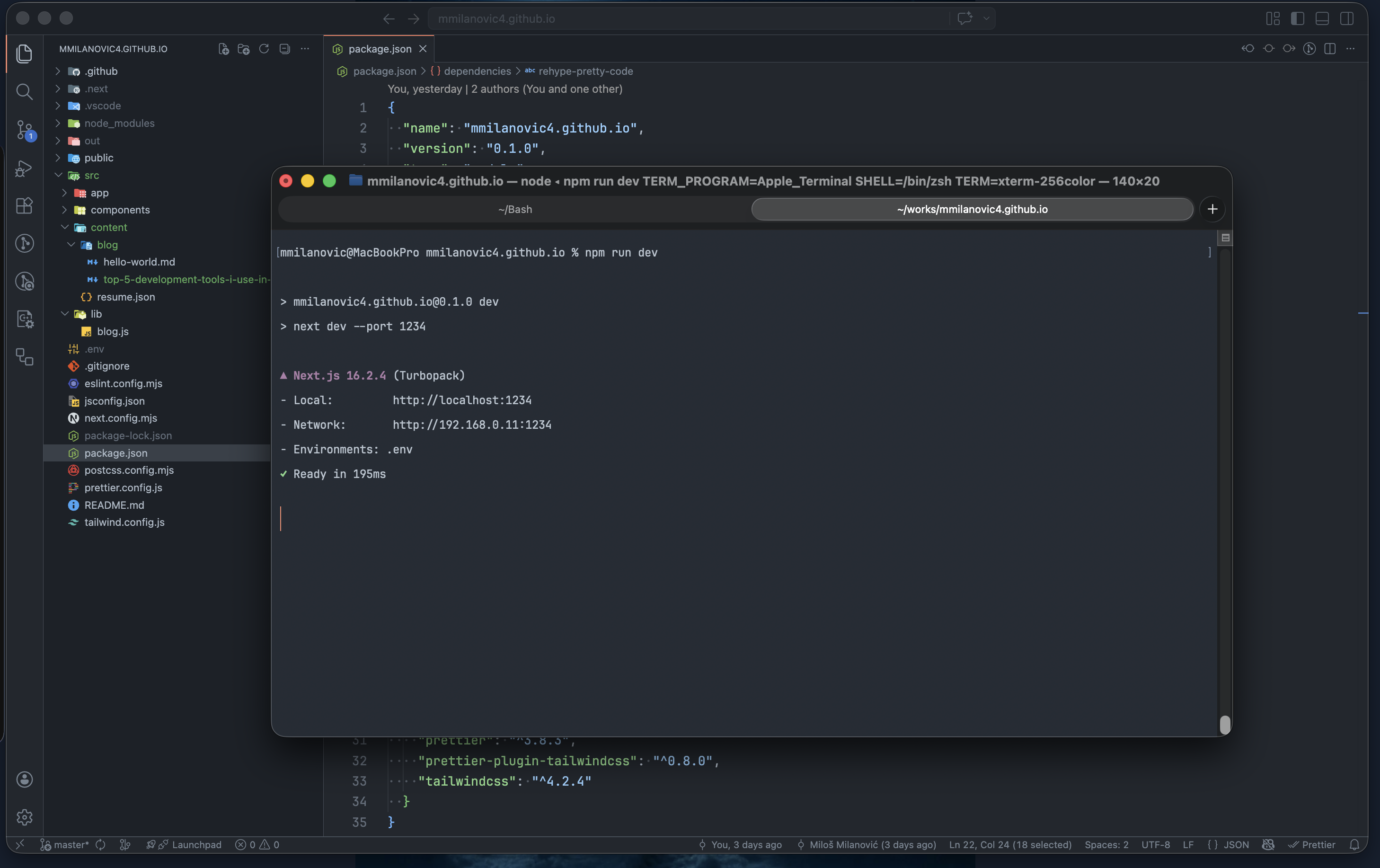
GitHub Dark Dimmed on VSCode and Terminal
A lot of built-in Apple apps follow the same pattern — they make you feel like you don't need an alternative.
3. Bruno
My REST client of choice. I used Insomnia for years until they changed their business model and it started feeling like a scammy app - not that they are, they just feel like one. Bruno is what Insomnia should have stayed: open source, local-first and purpose-built for the job. I also deliberately avoid loading VS Code with extensions for things that have dedicated tools.
4. Claude
The best AI assistant I've used. It doesn't ask unnecessary questions like ChatGPT tends to do - it focuses on solving the problem. And when it starts hallucinating, it's easy to course-correct. I use it daily for everything from code review to writing this blog post.
5. orbx
The one I built myself. After a decade of collecting Bash scripts and forgetting which flags do what, I decided to consolidate everything into a single CLI toolkit written in Go — orbx. It covers encryption, encoding, network diagnostics and everyday utilities, all from the terminal.
Go was a deliberate choice: easy cross-compilation means the same binary works on macOS and Linux Mint, the two operating systems I switch between daily. But the bigger motivation was ergonomics — every orbx command is designed to be memorable without reaching for a man page. And because orbx handles stderr correctly, piping just works:
cat hugeMinifiedData.json | orbx pppp stands for pretty-print — it formats and syntax-highlights JSON. No arguments, no flags, no guessing.
go install github.com/mmilanovic4/orbx@latestThere is an infamous XKCD comic about people not being able to remember exactly how the tar command goes. And it rings true — it's easy to forget the exact CLI syntax for each tool, especially if you're not using it daily. That's the problem orbx was built to solve.
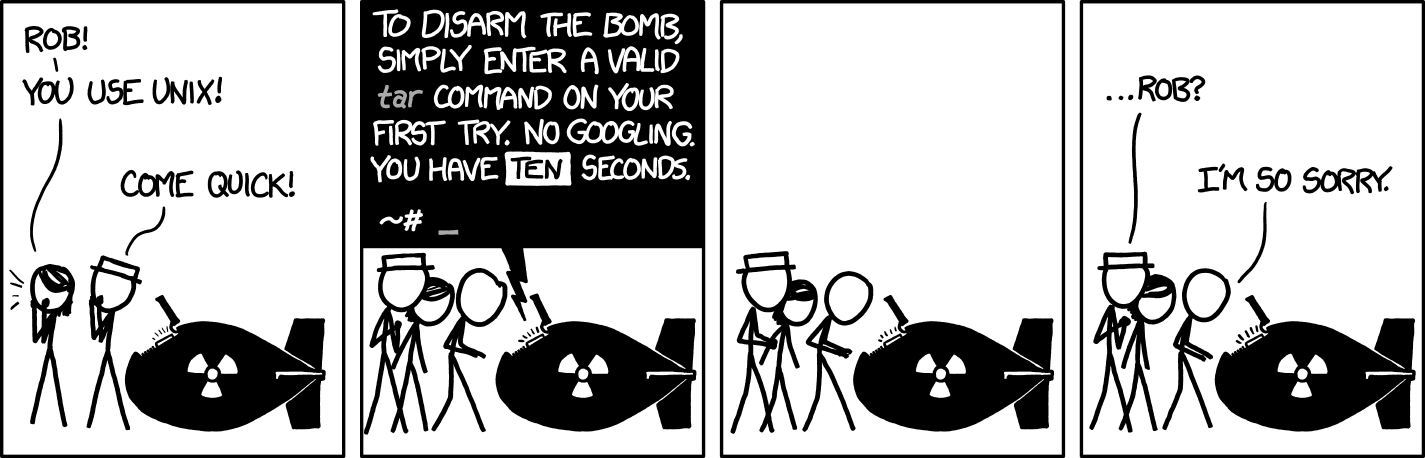
"I don't know what's worse - the fact that after 15 years of using tar I still can't keep the flags straight, or that after 15 years of technological advancement I'm still mucking with tar flags that were 15 years old when I started." - Randall Munroe